
Photo tips for two recognizable coffee characters
Prepare reference images for people, pets, toys and characters in the coffee scene.
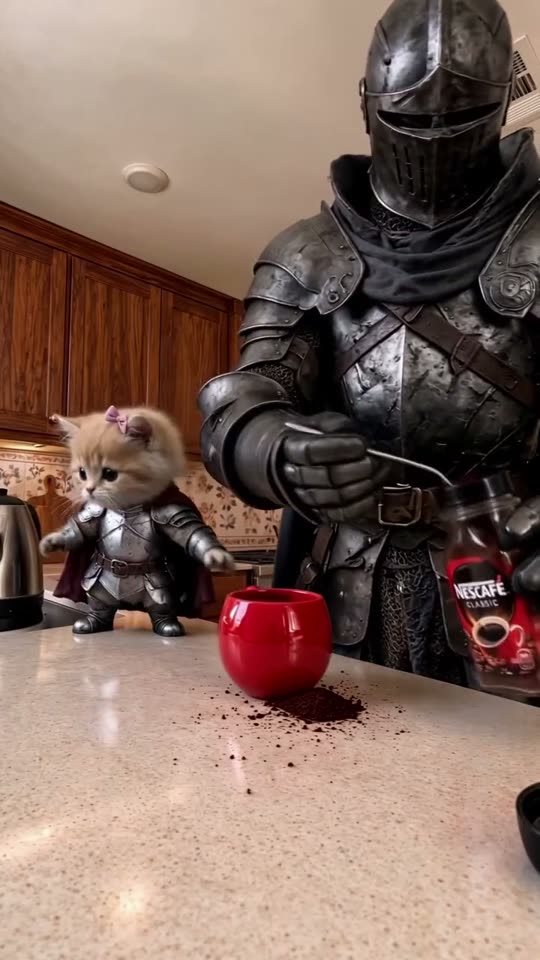
One subject in each image
Use a clear, uncluttered photo with only the intended subject. The first image becomes the main character behind the counter. The second becomes the subject at the left. Both references are required. A group photo makes that assignment ambiguous.
Give the model visible details
For a person, show the face in even light and include the clothes you want retained. Avoid sunglasses, heavy filters and cropped heads. A waist-up or full-body photo gives more evidence than a tiny face in a landscape.
For a pet, show the ears, fur markings, paws and the overall body shape. The prepared prompt requests animal paws rather than human hands. A small pet on the left sits on the counter; an adult person in the same role appears behind it at adult scale.
For a toy or figure, show its material and silhouette. A soft plush should stay soft, a blocky character should stay blocky, and an object should use its own limbs or nudge the props if it has none. The result is still generated, so review how faithfully those properties survive.
Check the role before submitting
Both upload slots keep their labels after a photo is selected. Replace an image if you chose the wrong role. The permission checkbox resets whenever either photo changes, ensuring the confirmation applies to the current pair.
Review the whole clip
Look at the main character when it leans toward the camera and lifts the mug. Check the left character throughout the take. Watch for identity drift, swapped roles, merged anatomy or leftover reference armor. A higher resolution adds pixels; it does not guarantee more accurate identities.
Use images you are allowed to use and review the completed video before sharing. Return to the form or follow the generation guide.